


AI Post Image Generator –
Every Post Deserves a Great Image
Posts with images get more clicks, more shares, and rank better in search. AI Post Image Generator automatically creates, sets the SEO alt text, and inserts professional AI-generated images into every post on your WordPress or HTML site – featured images, H2 section images, and everything in between.
What Is AI Post Image Generator?
AI Post Image Generator (AIPIG) is a SaaS tool that connects to your WordPress or HTML website and automatically generates images for your posts using leading AI image providers. It scans your site, identifies posts that are missing images, generates unique visuals based on the post title and content, sets the SEO alt text automatically, uploads them to your WordPress media library or HTML site, and inserts them as featured images or after H2 headings, all without any manual work.
Whether you have 10 posts or 10,000, AIPIG works through them systematically, adding professional-quality images in the style you choose – illustration, photorealistic, watercolor, cinematic, and more.
💡 Every image is unique. AIPIG generates a custom image for each post based on its title and content. No stock photo library to browse, just original AI visuals tailored to your content, automatically.
Key Features
- Automatic featured image generation for posts missing images
- H2 section images – insert a visual after each major heading in a post
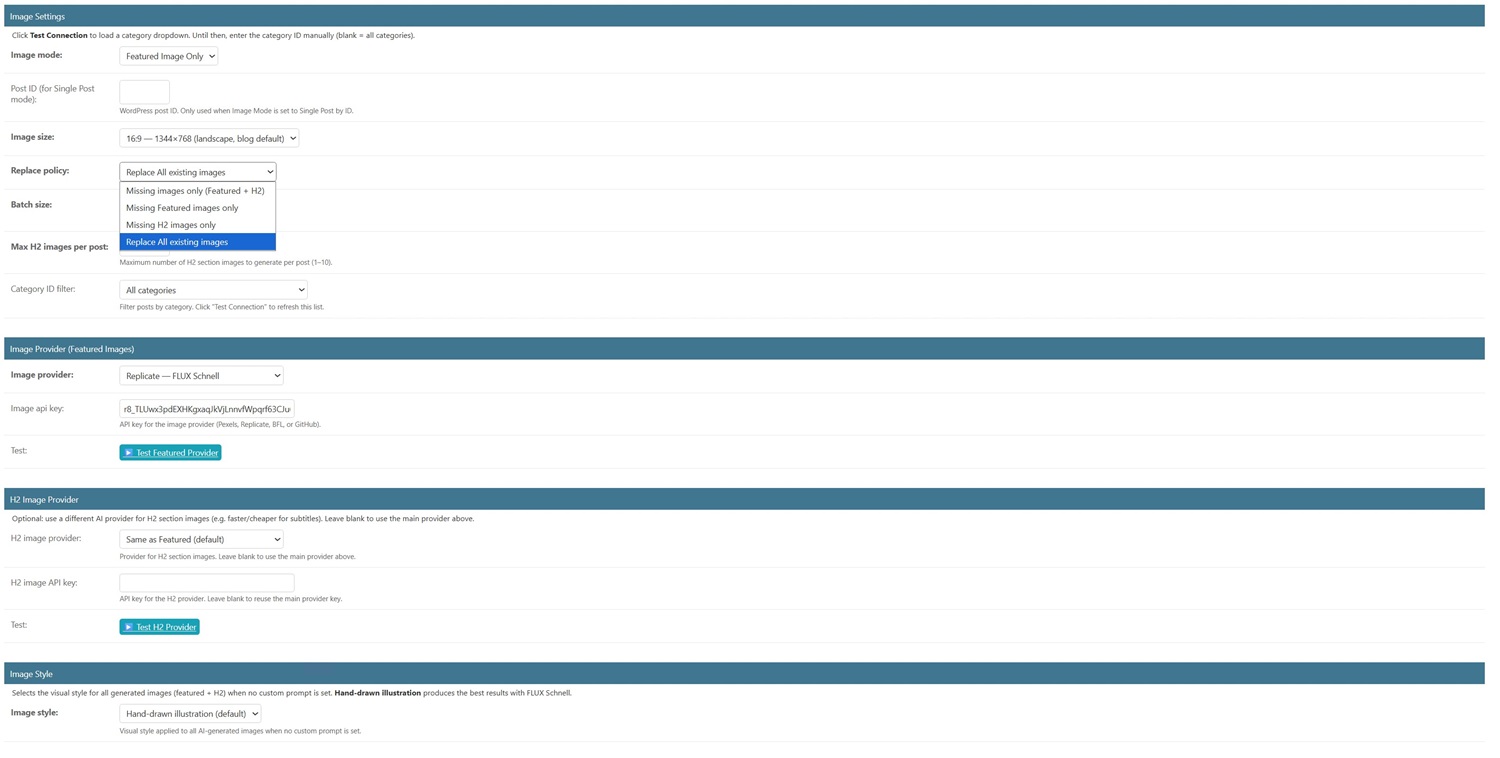
- 6 image styles: illustration, watercolor, pencil sketch, flat design, cinematic, photorealistic
- 5 image sizes: 16:9, 9:16, 1:1, 3:2, 4:3 – match any theme layout
- Separate AI provider for featured images vs H2 images – use fast/cheap for H2, high-quality for featured
- Custom prompt support – write your own image generation instructions with {title} placeholder
- Non-Latin language support – translates post titles to English before generating the image prompt
- Replace policy – fill only missing images, or replace all existing images
- Category filter – generate images only for specific post categories
- Manages multiple WordPress and HTML sites from one control panel
- Publish Destinations – push generated images to secondary WordPress sites automatically
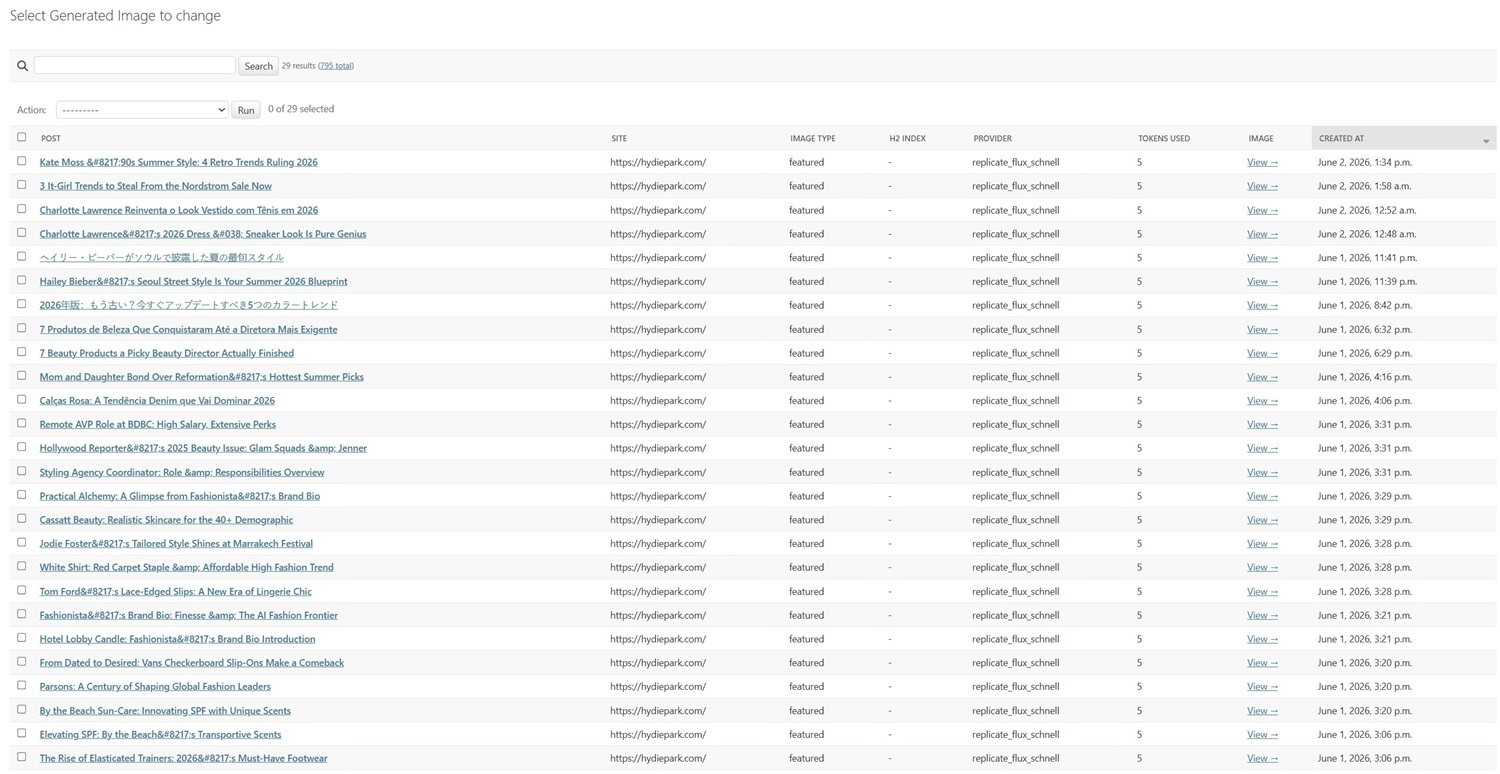
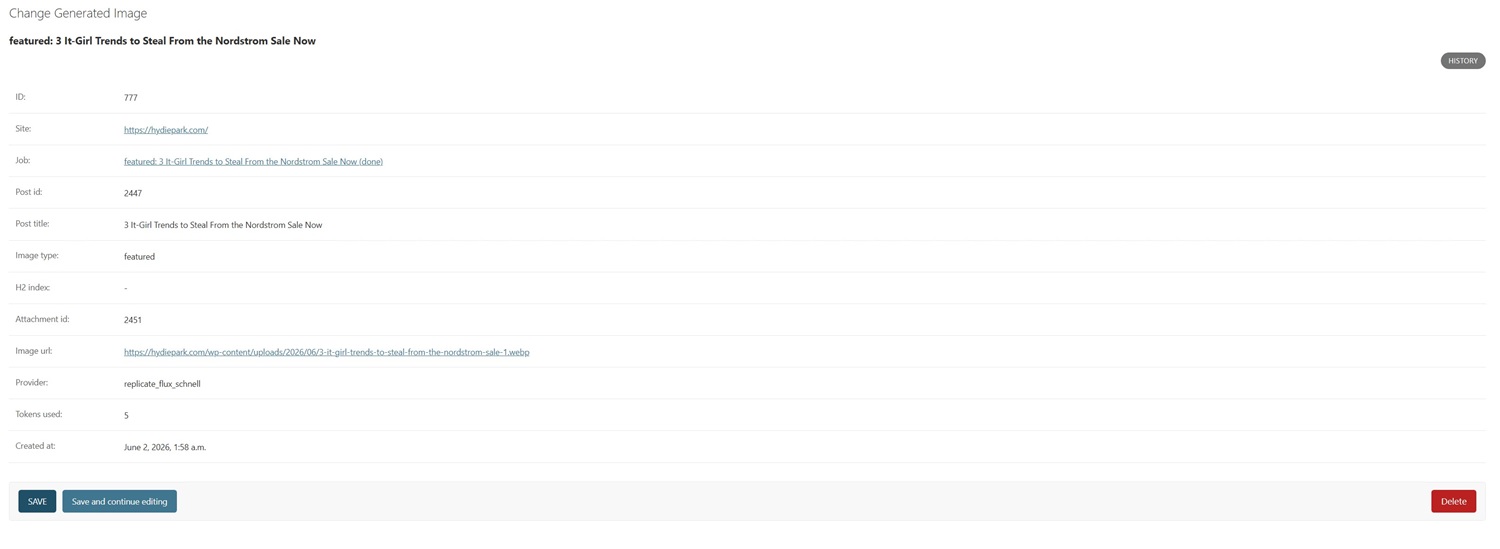
- Full image history with preview links per site
- n8n and Make (Integromat) integration via API
- 250 free token bonus – 10 on sign-up, 240 after the 7-day refund window
See It In Action
<
7 AI Image Providers — You Choose
AIPIG works with all major AI image generation services. You bring your own API key, no markup, no hidden credits, full control over your costs.
6 Image Styles
Managing Multiple Websites
AIPIG handles as many WordPress and HTML sites as your plan allows, each with completely independent settings, different AI providers, styles, sizes, prompts, and schedules. A site in English can use photorealistic images while your Japanese blog uses watercolor style. Each runs on its own automatic schedule, filling in missing images as new posts are published.
🏠 Single Blog Owner
You wrote 300 posts but none have featured images. Set up AIPIG once, it generates and uploads all 300 images automatically over the next few days, transforming a text-only blog into a visually rich site.
🌐 Multi-Language Network
Running sites in Hindi, Russian, Japanese, and Arabic? AIPIG translates non-Latin titles to English before generating the image prompt, then uploads the result with the correct title and alt text, fully SEO-optimised.
📰 Content Sites Using ACA
Every post ACA publishes can be paired with a unique AI image generated by AIPIG. Together they cover the full content pipeline – text and visuals – automatically.
🏢 Agencies at Scale
Manage image generation for dozens of client sites from one login. Each site runs independently, different styles, different providers, different schedules – all without touching a single post manually.
n8n & Make Automation
Connect AIPIG to n8n or Make (Integromat) via API to build smart image workflows:
- Trigger image generation automatically when ACA publishes a new post, every new article gets an image within minutes
- Chain with ALB – publish post → generate image → insert links, all in one automated pipeline
- Receive Slack or email notifications when a batch of images has been generated and uploaded
- Log generated image URLs to Google Sheets for content auditing
- Alert your team when a site runs out of tokens
💰 Cost Per Image – Real Numbers
A stock photo licence costs $1–$15 per image. A custom illustration from a designer costs $20–$100. With AIPIG the cost is predictable and a fraction of that – unique, on-brand, with alt text set automatically, generated in seconds.
1-site plan: 1 image = $0.38 + AI provider cost
50-site plan: 1 image = $0.249 + AI provider cost
AI provider cost (e.g. Replicate FLUX Schnell) is billed directly by the provider — typically $0.003–$0.05 per image.
Every new account receives 250 free tokens – 10 on sign-up and 240 more after the 7-day refund window.
Initial Setup – Under 5 Minutes
- Create your account – sign up at aipostimagesgen.com using the button in your WP plugin
- Add your WordPress or HTML site – enter site URL and connection credentials
- Test the connection – one click confirms your credentials and credits 10 free bonus tokens immediately
- Choose your AI provider – select from 7 providers and enter your API key
- Pick your image style and size – choose the visual style that matches your brand
- Click Generate Now – AIPIG scans your posts and starts generating images immediately
- Set your schedule – daily automatic scanning ensures every new post gets an image
Who Is AIPIG For?
- Bloggers with large back-catalogues of posts that have no featured images
- Content sites using ACA that need every AI-written post to look professional
- Multi-language site owners whose posts contain non-Latin titles
- Agencies managing client WordPress sites who need image coverage at scale
- Niche site builders who want consistent visual branding across hundreds of posts
- Anyone who wants their blog to look like a real publication, not a wall of text
🔥 Get the Full 3-Tool Bundle – Lifetime Deal
AIPIG is part of the AI Tools Integration Suite – 3 SaaS tools (ACA + ALB + AIPIG) managed from one control panel. One lifetime payment, no subscription.
One-time payment · No subscription · All 3 tools included · 250 free bonus tokens on activation
▶ Watch: How to Set Up AI Post Image Generator
Want the complete walkthrough for all 3 tools? Watch the full 23-minute AI Tools Integration Suite setup video →
Affiliate Programme – 30% Commission
Earn 30% commission on every sale you refer. Whether you have a blog, YouTube channel, or design community, our affiliate programme turns your recommendations into consistent income. Apply at Gumroad Affiliate Program →
❓ Frequently Asked Questions ❓
Do I need to pay for AI image generation?
Yes, most AI providers charge per image generated (typically $0.01-$0.06 per image). Pexels offers a free tier. All providers offer wholesale pricing that is much cheaper than stock photos.
Flux-Schnell 1000 images cost $ 3 USD
Can I generate images for my existing posts?
Yes. Click the Generate Images Now button in the plugin settings page to trigger a bulk scan of all existing posts on your site. The platform processes your entire content archive automatically at a controlled pace. A replace policy setting lets you choose whether to generate images only for posts that are missing them, replace all existing images, or use smart replacement to avoid duplicates. You can also generate images for a single specific post on demand from the dashboard.
How does the token system work?
Each image generated costs 5 tokens. You receive 10 free tokens on your first successful Test Connection, enough to generate images for two posts immediately and see the platform working on your real content. Token top-up packages start at $19 for 250 tokens. Tokens never expire and are shared across all your connected WordPress sites under a single account balance. Your current token balance is always visible in the WordPress plugin settings panel.
💰 Top-up packages – 250 / 500 / 1,000 / 5,000 tokens – never expire
🔶 250 tokens – $19
🔶 500 tokens – $29
🔶 1,000 tokens – $59
🔶 5,000 tokens – $249
Does it work with Elementor, Divi, Kadence, and other page builders?
Yes. Featured image generation works with any WordPress theme or page builder. The featured image is set as the standard WordPress featured image and appears wherever your theme displays it. H2 section image insertion works on standard WordPress post content. If your posts are built entirely with a page builder’s custom blocks rather than the standard WordPress editor, featured image generation will work correctly, while H2 image insertion applies to the standard content area.
Does AI Post Image Generator work correctly for non-English websites?
Yes, and we are actively improving this based on direct feedback from our non-English customers. In the current version, post titles and H2 headings are sent to the image provider in the language your post is written in. Some AI image providers handle non-English prompts correctly, while others produce better results with English-language input. As requested by our customers who use Spanish, Italian, Polish, Greek, and other languages, we are introducing an automatic translation step in the next platform update: post titles and H2 headings will be translated into English before being sent to the selected AI image provider. This ensures every provider, including those that perform best with English prompts, generates accurate and relevant images regardless of the language your content is written in. This update will be applied automatically to all connected sites at no additional cost.
Is there a free trial?
No. A 7-day refund through Gumroad, plus a 10 Token bonus for the test. Every new site connection receives 10 free welcome tokens immediately upon the first Test Connection, enough to test the platform with real content before purchasing a token top-up.